Fast Label Crop
Home Meesho Flipkart Amazon Merge PDF Merge 4 Labels Blog Contact
Home Meesho Label Crop Flipkart Label Crop Amazon Label Crop Merge PDF Merge 4 Labels Blog Contact
Advertisement
⚡ Free · No signup · Works on mobile

India's Fastest
Meesho Label Crop Tool

Struggling with messy Meesho label PDFs before dispatch? Upload once, get perfectly cropped shipping labels in seconds — sorted, sized and ready to print. Works for Flipkart and Amazon too.

📦 Crop Meesho Labels Free ✂️ Crop Flipkart Labels

No registration · Your label files never leave your device · Zero cost

Choose Your Marketplace

Separate tools built for each platform — Meesho, Flipkart and Amazon

M
Meesho Label Crop
The #1 free meesho label cropper. Auto-reads label dimensions, crops invoice away, groups by SKU. Print-ready in one click.
Start cropping Meesho labels →
MI
Meesho + Invoice
Got Meesho PDFs that include invoice pages? This tool handles both — crop the label, keep or remove invoice your way.
Open Meesho invoice tool →
F
Flipkart Label Crop
Crop Flipkart and Ekart shipping labels without any hassle. Supports all Flipkart label sizes and courier formats.
Start cropping Flipkart labels →
A
Amazon Label Crop
Crop Amazon Easy Ship, FBA and FBM labels. Sorts by ASIN so your warehouse team can pack faster.
Start cropping Amazon labels →
⊕
Merge PDF
Have labels from multiple orders or multiple platforms? Merge all your PDFs into one file and print in a single go.
Open merge tool →
4✕
Merge 4 Labels to A4
Upload 4 separate cropped label PDFs and combine them into one A4 sheet in a 2×2 grid. Save paper, print 4 orders at once.
Open 4-in-1 tool →

How the Label Crop Tool Works

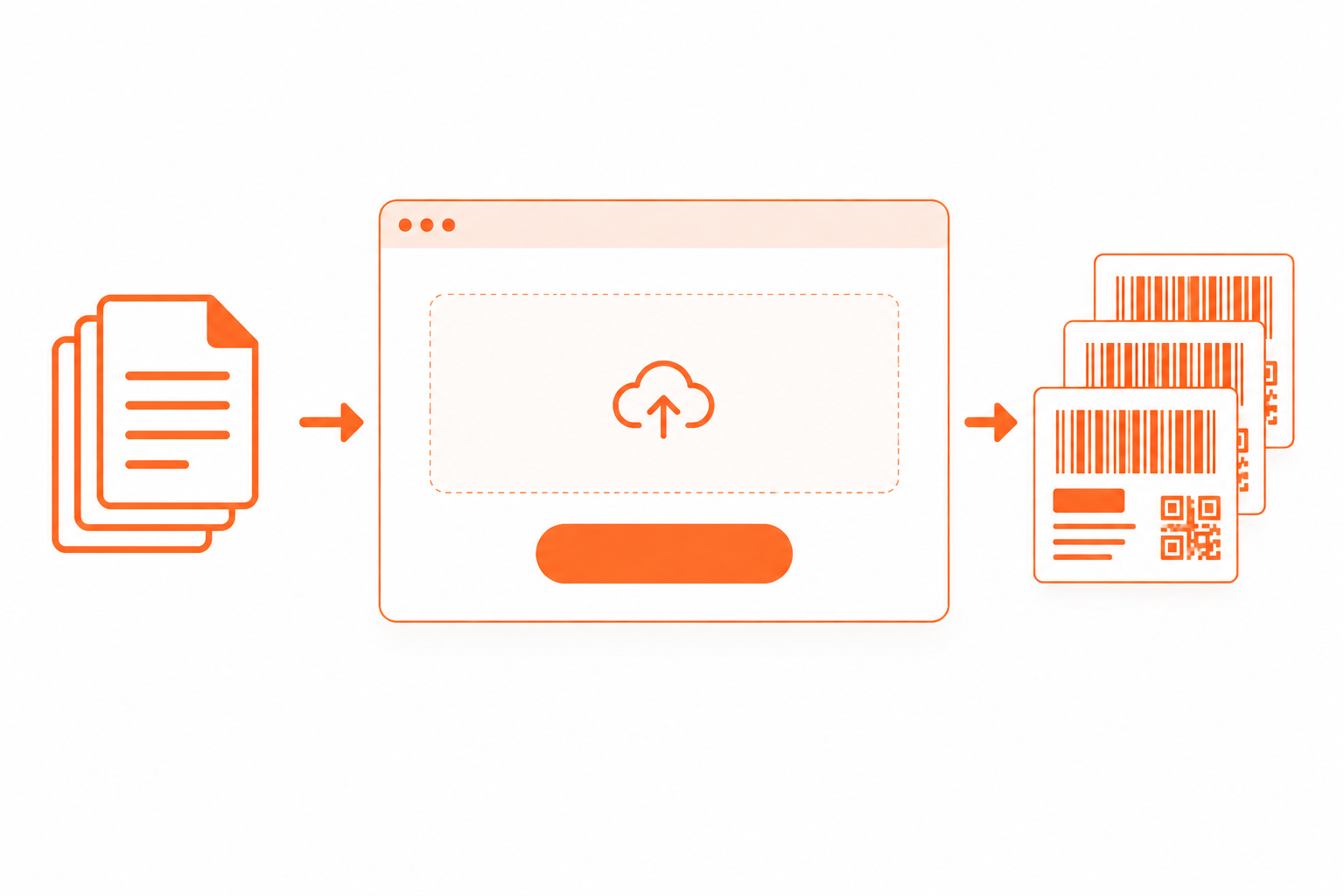
No software to install. No account to create. Just upload and done.

1

Upload your label PDF

Download your shipping labels from Meesho Supplier Panel, Flipkart Seller Hub or Amazon Seller Central — then upload that PDF here.

2

Labels are cropped automatically

Our meesho label cropper reads each page, detects where the shipping label ends and the invoice begins, and crops precisely.

3

Download and print

Your output PDF is ready in seconds. Print on a thermal label printer or A4 paper — whichever you use for your daily dispatch.

100%
Free, No Hidden Charges
0
Signup or Login Required
50MB
Max PDF Size Supported
🇮🇳
Built for Indian Sellers

Why Sellers Pick Fast Label Crop

Every feature is designed around how Indian sellers actually work

✂️

Automatic Label Cropping

No manual cutting needed. The tool reads your PDF structure and crops every label perfectly — even if your PDF has 200 pages.

📄

Invoice Separation

Meesho PDFs mix labels and invoices on the same page. We separate them cleanly so only your shipping label goes on the package.

🖨️

Thermal Printer Ready

Output is formatted for 4×6 inch thermal label printers — the most popular choice for Indian e-commerce sellers.

📋

A4 Printer Support

Don't have a thermal printer? No problem. Select A4 mode and get two labels per sheet, ready to cut and paste.

🔒

Your Data Stays Private

All processing happens inside your own browser. Your label PDFs are never sent to any server — complete privacy.

📱

Works on Mobile

Running a small business from your phone? Fast Label Crop works on Android and iPhone browsers — no app needed.

⚡

Results in Seconds

Even a 100-page PDF with 200 labels processes in under 10 seconds. No waiting, no loading screens, no timeouts.

💰

Always Free

No trial period. No credit card. No per-label charge. Fast Label Crop is free today and will stay free for all sellers.

Seller Guides & Tips

Practical guides written for Indian e-commerce sellers

Meesho

How to Use the Meesho Label Crop Tool — Step by Step

New to label cropping? This guide walks you through downloading Meesho labels and cropping them in under 60 seconds.

Read the guide →
Flipkart

Flipkart Label Crop Tool — Complete Seller Guide

Everything Flipkart sellers need to know about downloading, cropping and printing dispatch labels the fast way.

Read the guide →
Guide

Thermal Printer vs A4 — Which is Better for Meesho Sellers?

Confused about which printer to use? We break down cost, speed and convenience for Indian marketplace sellers.

Read the guide →
Printing

How to Print Multiple Labels on One Page PDF — Save Paper and Time

Print 4 shipping labels on one A4 sheet for free. Works for Meesho, Flipkart and Amazon. No thermal printer needed. Even works at cyber cafes.

Read the guide →
Meesho

How to Crop Meesho Labels Fast — Complete Guide 2026

Step by step guide to crop Meesho shipping labels in seconds. No install needed. Works on phone and computer.

Read the guide →
Meesho

Best Free Meesho Label Cropper for Indian Sellers in 2026

What is a Meesho label cropper, why you need one, and how to use the best free option in under 2 minutes.

Read the guide →
Frequently Asked Questions

Real questions from Indian sellers — answered clearly

A meesho label crop tool reads your Meesho shipping label PDF and automatically cuts out just the shipping label portion from each page — removing the invoice section. This gives you a clean, print-ready label file without manual cutting or editing.
Yes, this tool is completely free to use, with no signup needed. There is no per-label fee, no watermark, and no limit on how many labels you can process. If you dispatch a large number of orders daily, we also have a paid Pro plan with extra features like sorting by courier and SKU — but the free tool works fully on its own with no catch.
Yes. Use our dedicated Meesho with Invoice tool. It detects the boundary between the shipping label and the invoice on each page and crops accordingly. You can keep or remove invoice pages from the output.
Yes. Your PDF is processed entirely inside your browser using JavaScript — the file is never sent to any server, never stored, and never seen by us. When you close the tab, everything is cleared from memory automatically.
We currently support Meesho (with and without invoice pages), Flipkart, Ekart and Amazon (Easy Ship, FBA, FBM). Each has a dedicated tool page optimised for that platform's label format.
Yes. Fast Label Crop works on Chrome for Android and Safari for iPhone. Upload your PDF, process and download the cropped file — all on your phone without installing any app.
Thermal printer mode outputs labels at 4×6 inch size, one per page — perfect for direct printing on label rolls. A4 printer mode fits two labels per A4 sheet so you can print on regular paper, cut and stick on packages.

Ready to crop your labels?

Stop wasting time on manual label prep. Use India's fastest free meesho label crop tool.

📦 Crop Meesho Labels Free
Fast Label Crop

Free meesho label crop tool for Indian sellers. Also supports Flipkart, Amazon and Merge PDF. No account needed.

Built for Indian sellers 🇮🇳

Label Crop Tools

  • Meesho Label Crop
  • Meesho with Invoice
  • Flipkart Label Crop
  • Amazon Label Crop
  • Merge PDF

Seller Guides

  • Meesho label crop guide
  • Flipkart label crop guide
  • Thermal vs A4 guide
  • Print on A4 paper
  • Print 4 labels on one page

Company

  • About Us
  • Contact Us
  • Privacy Policy
  • Terms of Service
© 2026 Fast Label Crop. All rights reserved.Not affiliated with Meesho, Flipkart or Amazon.