Merge 4 Shipping Labels to A4 Sheet Free: Merge Multiple Pages into One PDF Online
By Santosh Kumar · Last updated: June 2026
FREE online tool to merge 4 PAGES into 1 PAGE PDF online without any software. Arrange labels in a 2x2 grid on one A4 page. Want to merge multiple pages into one PDF online free? Just upload up to 4 PDFs and download your merged A4 sheet in seconds. Works with Meesho, Flipkart, Amazon and any other label or PDF source. No signup needed.
Need more labels? Crop them first:

I pay for the domain, hosting and maintenance from my own pocket so Meesho and Flipkart sellers can merge and crop labels without paying anything. If Fast Label Crop saved you time today, you can buy me a coffee or chip in for site upkeep. Even a small amount helps me keep it running and add new features.
Scan the QR with GPay, PhonePe, Paytm or any UPI app. This is a voluntary tip, not a fee. The tool works fully free either way.
How to Print 4 Labels in One Page PDF
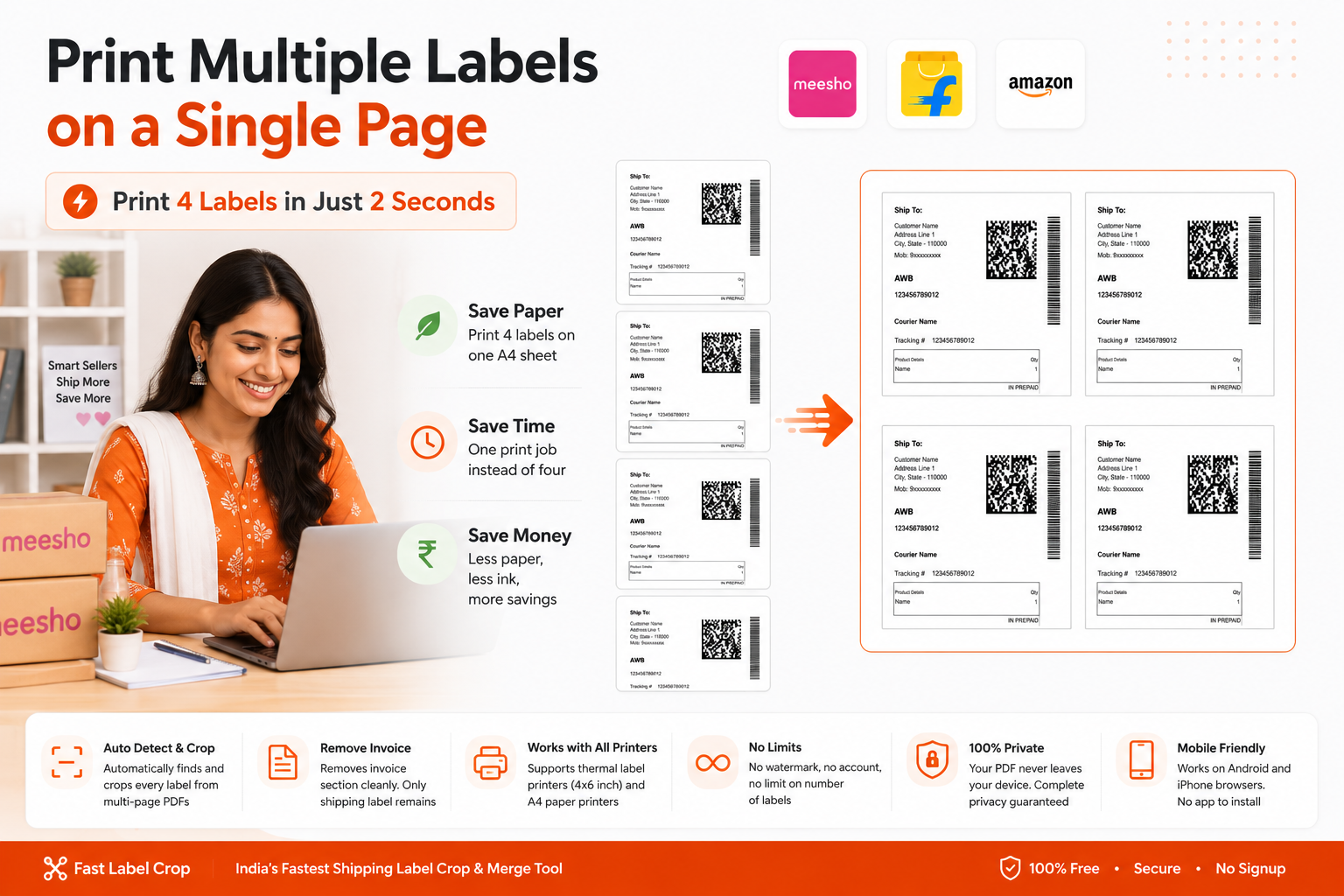
Printing 4 labels on one A4 sheet saves paper and reduces printing costs significantly for Indian e-commerce sellers. Instead of printing one shipping label per page, you can print 4 labels per sheet, cutting your paper usage by 75%.
Use our Meesho, Flipkart or Amazon crop tools to remove the invoice from your label PDF.
Drag and drop 1–4 cropped label PDFs into the upload zone above.
Click "Merge Labels to A4 Sheet", labels are arranged in a 2×2 grid automatically.
Download and print at actual size. Never use "Fit to Page" or labels will be wrong size.
How to Print Labels on A4 Sheet, Complete Guide
Indian sellers on Meesho, Flipkart and Amazon receive shipping label PDFs that include a tax invoice below the label. To print multiple labels on one A4 sheet, you need to first remove the invoice using a label crop tool, then merge the clean labels together.
This free online tool lets you merge 4 shipping labels to A4 sheet online without installing any software. Everything runs in your browser, your PDFs never leave your device.
Whether you want to print 4 labels per sheet or just 2 or 3, this tool handles it automatically. Empty slots on the A4 sheet are left blank, no filler content.
You can also use it as a Flipkart and Meesho label crop 4 in 1 tool to crop shipping labels and arrange 4 labels on a single A4 page for faster bulk printing.
This tool also works as a general PDF 4 pages in 1 online tool. If you have any 4 PDF pages you want combined into one sheet, just upload them here. No watermark, no signup, works completely in your browser. It is the fastest way to merge multiple pages into 1 page PDF online free without installing any extra software.
Why Print Multiple Labels on One Page?
Save paper: Print 4 labels on one A4 page instead of 4 separate pages. If you ship 100 orders a day, you save 300 sheets of paper daily.
Save time: One print job instead of four. Cut the sheet with scissors and attach labels, faster dispatch.
Save money: Less paper, less ink. Over time, the savings add up significantly for high-volume sellers.